
Package versions and sources
Package versions
To view a server’s installed package versions and check if updates are available:
- Go to the Servers page in the dashboard and click on the name of the server.
- Click on OS Info.
- In the list of installed packages, click on Show only available updates.
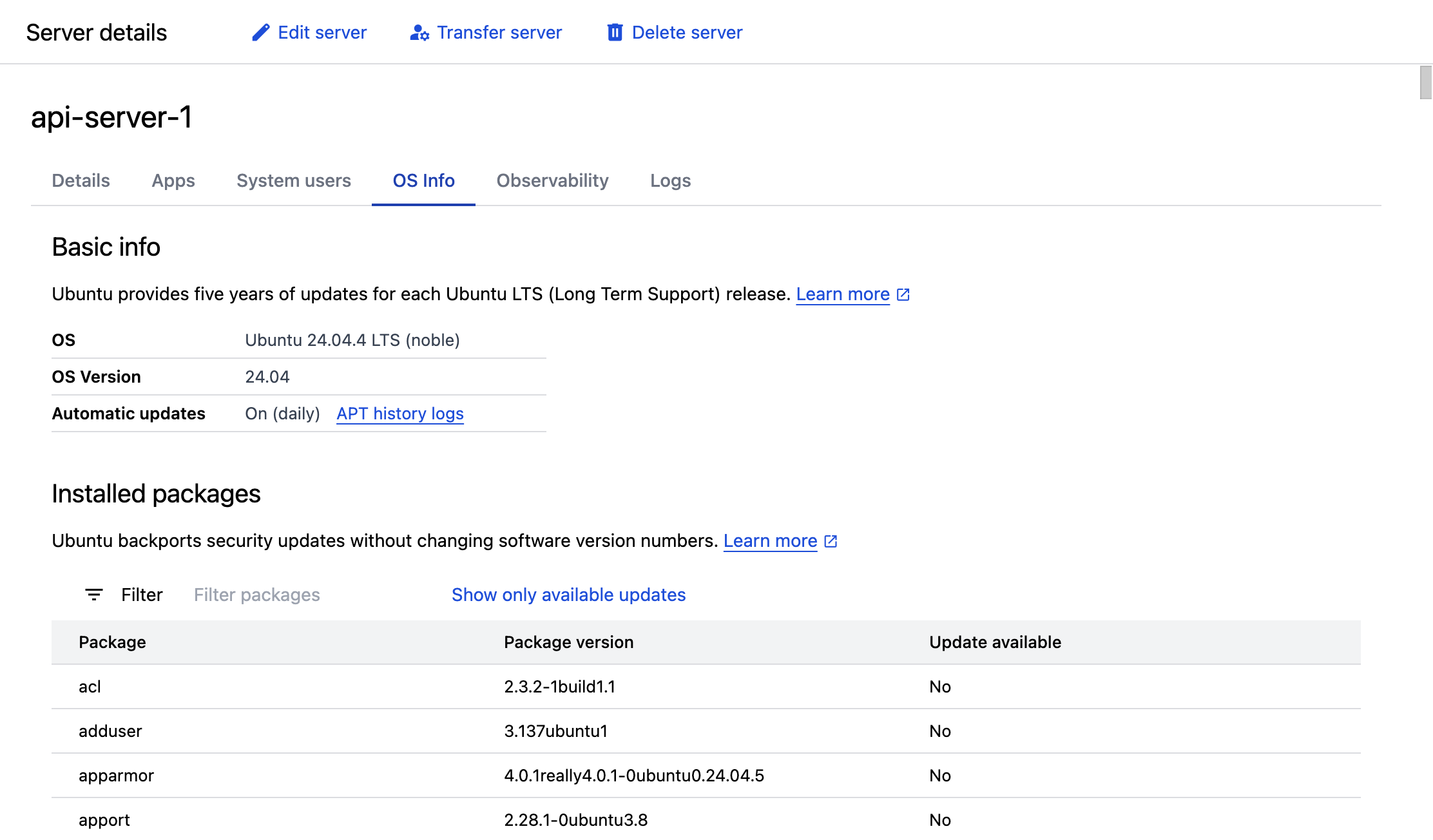
Available package versions
The available versions of a package depend on the package source (whether the package was installed from ServerPilot’s repositories or Ubuntu’s repositories) and the server’s Ubuntu release. See the articles below for more information about specific packages.
- Nginx versions
- Apache versions
- PHP versions
- MySQL versions
- cURL versions
- OpenSSH versions
- OpenSSL versions
Package sources
ServerPilot installs packages from two sources:
- ServerPilot’s package repositories
- Ubuntu’s package repositories
Third-party package sources
It is safe to configure third-party APT package sources as long as the packages provided by those repositories do not replace Ubuntu’s packages.
Configuring third-party package sources that will replace packages already installed on your server will generally cause breakage. The safe way to use newer versions of Ubuntu’s packages is to upgrade the server’s Ubuntu release.
Avoiding package conflicts
It is safe to install additional packages from Ubuntu’s repositories with the following exceptions:
- Ubuntu web server packages that listen on ports 80, 81, or 443.
For example, installing Ubuntu’s
nginxandapachepackages or packages that depend on them (for example, thephpmyadminpackage) will cause breakage. - Ubuntu PHP-CLI packages that provide
/usr/bin/php. For example, installing Ubuntu’sphp-cliorphp8.3-clipackage will cause breakage.